


How to Connect HondaLink App
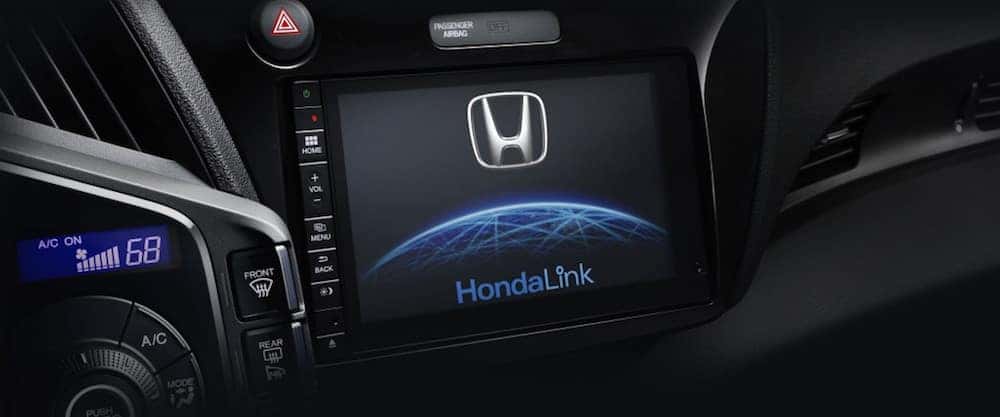
HondaLink gives Cody drivers with compatible smartphones instant access to vehicle information, maps, social media, music, and more! You can also download a wide array of useful apps like HondaLink Navigation and HondaLink Aha. Learn more about how HondaLink connects to vehicles in the new Honda lineup in this guide from Underriner Honda.
Setting Up HondaLink Connect
After downloading and opening the app on your HondaLink-compatible phone, choose “Settings,” select “Manage Vehicles,” then “Add Vehicle.” Once you enter your VIN number, your car will be connected to HondaLink! Using the GPS system on your smartphone, the app will show your location, display local weather conditions, and allow you to find nearby points of interest.
What Are the Features of HondaLink Connect?
With HondaLink, you are able to connect to your car and access vital information on your mileage, fuel level, and vehicle oil status, as well as receive Honda service updates. Some of the other helpful features of HondaLink Connect include:
- Access to your owner’s manual
- Remote lock/unlock and start
- Weather updates
- Parking reminder
- Area points of interest
- Detailed information about your destination
- Messages and updates from Honda
- Access to 24-hour roadside assistance
- Vehicle Maintenance Minder
Plus, with the HondaLink app, it’s easy to schedule service; just select “Services,” and tap “Schedule Service.” You can then locate the nearest Honda dealer to your Laurel or Red Lodge home (or current location), indicate what services your vehicle requires, add contact info, and enter the time and date when you wish to bring your car in. HondaLink adds a whole new level of convenience to your Honda ownership experience.
Which Honda Vehicles Have HondaLink?
HondaLink is available on all new Honda models, including:
- 2019 Accord
- 2019 Civic
- 2019 CR-V
- 2018 Clarity
- 2019 Fit
- 2019 HR-V
- 2019 Insight
- 2019 Odyssey
- 2019 Pilot
- 2019 Ridgeline
See HondaLink Connect in Action at Underriner Honda
We invite you to stop by our Billings Honda dealership to see for yourself how helpful the HondaLink app can be. While you’re here, we’ll be happy to fill you in on all the details of the latest innovative Honda technologies, including the Honda Sensing® safety suite, and direct you to the best local restaurants! Ready to get behind the wheel of an exciting new Honda? Contact us today to schedule a test drive.
Recent News from Underriner Honda
The Honda Prelude is back: What Billings drivers need to know about the 2027 model
The Prelude name has returned to the Honda lineup, and for 2027 it is a two-door hybrid coupe built for drivers who want a car that feels good every day. For Billings drivers, the smart approach is to look past the nostalgia. Understand what the car actually is, think honestly about how a front-wheel-drive coupe…
Get an instant cash offer for your trade-in at Underriner Honda
You can find out what your current vehicle is worth before you visit the showroom. Start on the Underriner Honda Instant Cash Offer page, describe your vehicle and its condition accurately, and review the offer you receive. Then bring the vehicle to Underriner Honda in Billings so it can be seen in person, and you’ll…
Why the Honda HR-V Is the Smartest First SUV for Montana’s Young Drivers
For a first-time buyer in Billings, the Honda HR-V lands in the sweet spot most young drivers actually need. It sits at the compact end of the Honda SUV lineup, so it is easier to park downtown and cheaper to feed than a midsize SUV, while still offering a raised seating position, a hatch-style cargo…
0 comment(s) so far on How to Connect HondaLink App